Blogging across the curriculum

Not to be outdone, students in Year 5 were busy today setting up their various group blogs ….. lots of giggles, ohhhs and demands to get started NOW!

Kate is taking a different approach with her students, setting up a shared blog space for groups working on different topics, such as: Visual Ventures (electricity); Safety First (issues for different scenarios); New Concepts (cool maths problems to try and solve); Riddles & Poems; Religion (World Youth Day – the latest on the cross, and living the message of Jesus).
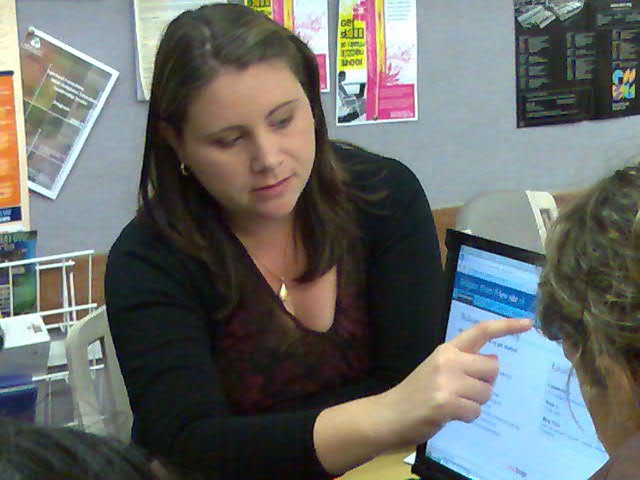
goodkate.jpg

I wish I could share the looks of wonder and excitement that I saw on these faces in every group. The focus and interest in getting further involved with blogging is interesting to see.

Five Green Specials and all the students blogs are just getting underway, though it will take a few weeks to get these properly underway – as a new teacher is taking over from Kate soon who will be at home with her new baby!

However, the kids in Riddles and more for English already have a couple of podcasts on their blog! Great work kids! I have a feeling that we will see (hear, watch?) beaut things happening on these blogs as the year goes on.

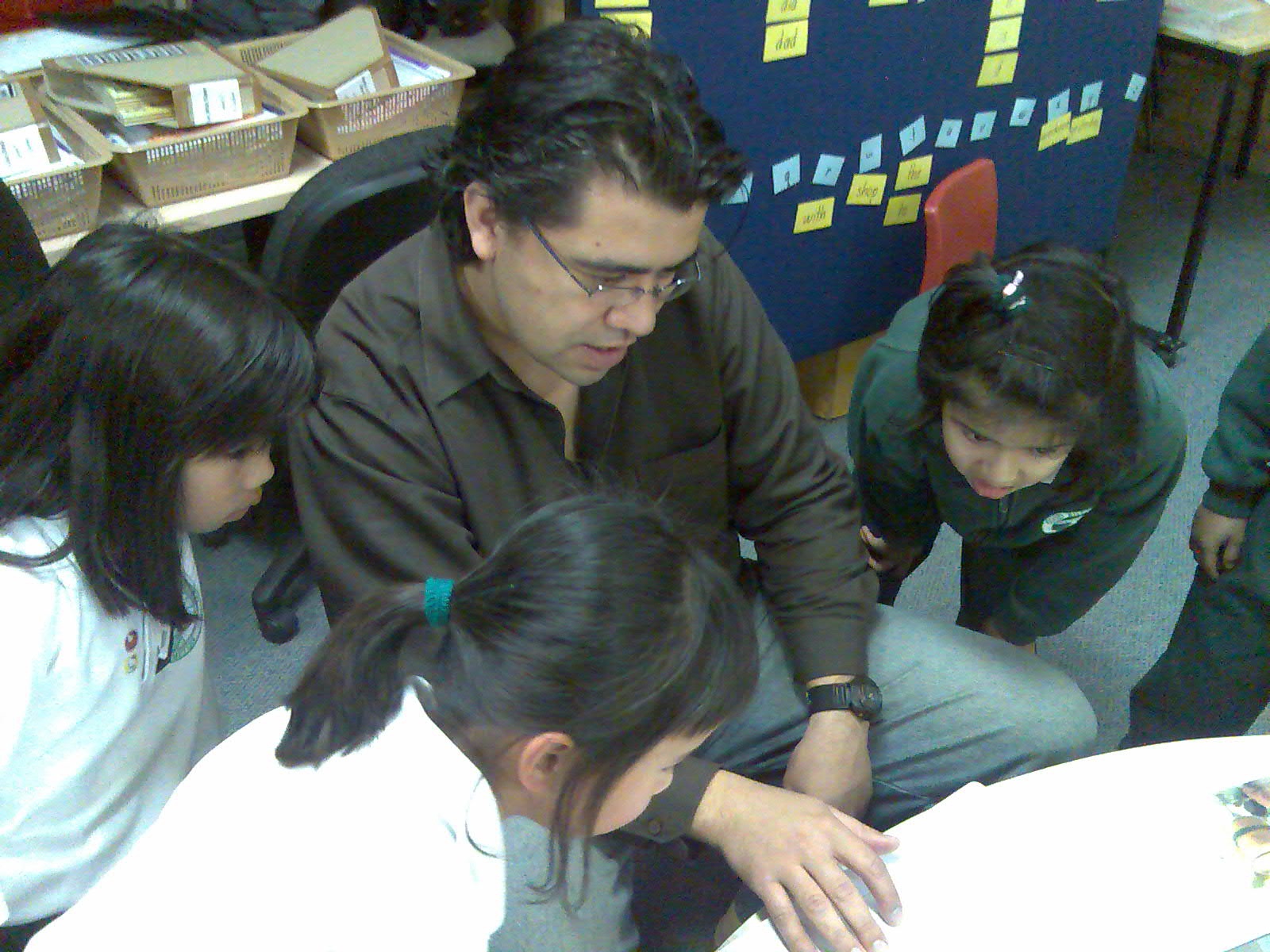
But seriously, we have been able to explore quite a few different dimensions of blogging with Kate’s and Elizabeth’s class. It is great to be able to set up learnerblogs safely using gmail accounts that are an alias of the main account the teacher has set up to manage her classes blogs.

It’s been very rewarding working with Elizabeth and Kate on establishing and expanding blogging ideas for their school – thanks for letting me share in the learning fun 🙂

If you want to set up learnerblogs, and don’t want to let students loose on this using their own email addresses, then simply create an account e.g. myaccount@gmail.com. Then you are ready to create learner blogs with email alias accounts by using the plus (+) sign and name e.g. myaccount+student1@gmail.com; myaccount+student2@gmail.com. All the authorization and management matters related to your students blogs will come to the gmail account that you have set up.

Read Doug Belshaw’s post about 8 things I like about Edublogs (and learnerblogs) to get some ideas if you are new to this. Doug also has a nice way to enter his teacher and student spaces at Mr Belshaw.co.uk– explore further to build your own ideas.

Another Mashable “must have”!

I’ve been tracking with some interest the very useful compiliations that Mashable (social networking news site) has been putting together for addicts of anything Web 2.0. I’ve shared a few of them – and now I must share another!

Flickr is back in the news this week with reports that it will add video. But we’re still loving the photo-sharing element: here’s a 100+ ways to get even more out of the popular photo site at Flickr Toolbox: 100+ tools for Flickr Addicts.

I am now collecting all of my favourite Mashable “cool tools’ in my Del.icio.us account with a Mashable tag.   Jump in and enjoy.

Inspirational Teenager

Listening to Daniel Brusilovsky , just 14, is for sure a reality check for any teachers hesitating to adopt Web 2.0.  Daniel works in IT, and has his own blog and podcast show. I love that Daniel talks so favouribly about Twitter – because I picked up the information about this podcast right from a post by Scobleizer on Twitter! Good one Daniel!

[podtech content=http://media1.podtech.net/media/2007/08/PID_012094/Podtech_DanielB.flv&postURL=http://www.podtech.net/home/3757/inspirational-teenager &totalTime=1019000&breadcrumb=ae6a213b3d354fe6b199ef8616abb90c]

Procedure packs a punch! Cool Year 1!

Language learning is the most critical component of young students learning experiences. Jamie, Co-ordinator of the Literacy and Web 2.0 project, teaches Year 1, and decided to bring Writing Procedures to life!

Jamie

Enter ‘cooking’ and loads of fruit, bread, juice, butter, cinnamon and more! Yikes – so much preparation, and all essential for embedding good understanding of writing procedures.

So today’s work was about using technology tools to enhance literacy learning, and was the culmination of a very busy week. Jamie showed them the steps, carefully engaging the students, so they understood the steps. Then each child was able to navigate the computer, and do their own sequencing and recording. Photos, narration and publishing made Year 1 very happy little people – and this was just their first time!

All the teachers are sharing their digital resources in a number of different ways – wikispaces, podcasting, and videosharing on Teacher Tube, which allows teachers to create their own groups space, and share videos about the topics that the student is working on. The ongoing blend of Web 2.0 tools are important – and these teachers will continue their exploration of many different Web 2.0 tools.

The great thing about the project so far is the diversity of tools, both Mac and PC, that are being used for the first time, and in a co-ordinated fashion across the school. While the students are experiencing different learning opportunities – so are the teachers! Just you keep ‘packing a punch’ Jamie as you keep working with your fabulous team 🙂

You smoke! You die!….for literacy.

year-6.jpg Literacy is still the focus for our project work at Good Shepherd this week – today it was Year 6 using Photostory to consolidate their learning about ‘smoking’.

After doing their research from the Cancer Council about the dangers of smoking, Megan asked the students to create a poster representing a key aspect of these dangers for an anti-smoking advertisment campaign. Students created a storyboard for their work, and were then able to record a supporting statement for each poster. Put these together – and bingo! a podcast of their own about the dangers of smoking. This was all ‘first time’ for these students – and the integration of visual, text and audio literacy skills were the bonus learning experience. Love your work Megan 🙂


Podcasting: A Teaching with Technology White Paper

Sharing audio and video files on the Web has been possible for most of the last decade. But in the past two years podcasting has exploded onto the scene.

This paper examines educational podcasting in three realms: the creation and distribution of lecture archives for review, the delivery of supplemental educational materials and content, and assignments requiring students to produce and submit their own podcasts.

From the Office of Technology for Education and Eberly Center for Teaching Excellence at Carnegie Mellon University, this is a 15 page PDF.

Podcasting: A Teaching with Technology Whitepaper

[From: Jane’s E-Learning Pick of the Day]

That literacy beat really rocks!

We knew it was easy – but our students proved it to us today! It was Matt’s turn to share his class with me as we explored another learning experience with the kids. mattblogpic.jpgYear 4 is working on poetry ….. enjoying poetry now after inspiration from “Matt the Muso”!

Just a couple of weeks ago Matt was introduced to MacBooks, and the musician turned teacher discovered that there really is great scope for (garageband inspired) musical influences in his classroom.

Today his students “met” MacBooks and GarageBand for the first time, and armed with a poem they were ready to take up this muso’s challenge. The students very quickly chose a drum beat for their backing track, recorded their audio track (matching the poem to the beat), and then chose sound effects.

This was just the beginning of their creative experience, and will lead to podcasting and sharing of media files with parents. Great learning …. and what a buzz! Thanks very much Matt 🙂

Here is just one sample to enjoy –

Dolphins


Bebo helps student bloggers!

liz.jpgWorking with Elizabeth and Year 6 students at Good Shepherd Primary, I spent the day helping with the configuration of a Student Edublog for each of her students. We did this in small groups, and asked students to do their Procedural Writing as we went through the process. As a result of their writing, these Year 6 students will be able to ‘teach’ Year 6 students in another class how to do these same steps.

This is just the beginning of the adventure for these students – and later in the year we hope to see good critical reflection and ongoing engagement with personal learning. Elizabeth said “It was fantastic to see that every student could actively participate in this new learning project, and no-one was left behind”. Some of the girls were very excited. Some were quiet and concentrated hard on this new learning experience. The boys were somewhere in-between.

What was particularly interesting to us was the numbers of students who are already active users of Bebo! and who are able to bring their social networking experiences into this new learning environment.

These students have been approached to run a workshop with the Principal, AP, and the School Councillor, to teach them how to ‘get into blogging’! Fantastic work kids 🙂

Thanks very much Elizabeth for the opportunity to learn right alongside you and your students. What we are doing will help many others in our schools.

Web 2.0…..looking pretty juicy

juicyweb20.jpg

Last Friday I spent a full day with teachers from Coffs Harbour and beyond, at a Web 2.0 Workshop. It was a great opportunity to work with teachers from different parts of northern NSW, and to hear from them what was happening in their schools in relation to online learning. It was a very busy day – but these great teachers were not flagging – but calling for follow-up workshops to help continue their learning and sharing of tools and ideas.

I’ll be back again in Coffs Harbour in a few weeks – this time at an ICT conference, where I’ll do a Keynote and more workshops.

So to make this learning more flexible for those attending these sessions, and for others that I am working with closer to home, I have put together Judy’s Web 2.0 Notes – which is designed specifically for those new to Web 2.0.


If you are just beginning your adventure into Web 2.0 e-learning, then this blog is for you!

These ‘notes’ provide an introduction to the Read/Write web, covering key information, tips, tricks and links to help you enjoy your journey into Web 2.0 e-learning in your school.

Many thanks to Mary Help of Christians Primary, Sawtell, for hosting the workshop, and for Sharon’s great organisation (and yummy baking)!

school2.jpg

I think bloggers don’t read….Cult of the Amateur

From the Guardian Unlimited comes a write-up by Tim Dowling about Andrew Keen, the man who says the internet is populated by second-rate amateurs – and that it is swiftly destroying our culture.

Denizens of the cyberswamp? A million monkeys at a million typewriters? Misplaced faith in the integrity of the amateur – the citizen journalist, the self-published author, the mash-up musician?

To my mind Wikipedia is not wise,” says Keen. “It’s dumb. Not necessarily because all its contributors are dumb, but because if you don’t have an editor in charge, and you don’t have singular voices, then the intellectual quality of what the crowd produces is very low.

Dowling says that Keen’s argument strikes a chord with certain professions, particularly librarians, editors and educators  (oh, that’s my group!). Keen’s critics, on the other hand, see him as defending a largely abandoned redoubt: old media, with its outmoded “gatekeepers” and structural hierarchies.

Read the article and catch up with the criticism.

The Book: The Cult of the Amateur, with the no-messing-about subtitle “How Today’s Internet is Killing Our Culture and Assaulting Our Economy”.