Director’s Cut – would you?

Yesterday I was browsing through the latest issue of Company Director (Vol 23, No.9, 2007), having been enticed to pick up the journal by the heading ” Meetings in Cyberspace”. This article examines the reasons behind the slow adoption of virtual board meetings in the corporate world – and posits that this will change with the the Telepresence solution (The Next Step in Global Meetings) offered by Cisco, Hewlett-Packard or Polycom.

It’s been almost ten years since the Corporations Law was changed to allow virtual meetings and electronic communications, but most people still prefer face-to-face meetings.

Now this is sounding rather similar to the scenario amongst teachers – albeit a different setting – the same adoption lag in the use of newer technologies. The article covers a deal of useful and relevant issues related to companies and the operations of Boards across distances and timezones. Their issues of security etc make our efforts in the education sector seem like child’s play.

However, remembering that one of our key goals in education is to prepare our kids to be productive working members of society I was positively entranced by the last paragraph of the article about what a Board Director should be capable of – which I want to share with you.

Read it, and substitute the word teacher for board member, and customers and suppliers with students and families…you’ll get my drift.

This is the era of YouTube and seven million blogs, where everyone can be their own media commentator…..This is real. This is the fast-moving aspect of how everybody lives their lives. If Board members are not integrated into this…if they don’t understand and don’t run their lives that way…then there’s a risk question you’ve got to ask – do these people really understand your customers and suppliers and the environment in which they operate? If they sit up and say ‘that’s all technology – I never use that stuff’, I’d be asking ‘ are you really suited to being a Board member?.

Cisco TelePresence… Just for Fun!

  • Write your thoughts….or stream that news!!!

    I’ve been playing around with the possibilities offered by tools such as Tumblr. I have to say, I think this little application rocks!

    Yes, I know that some people are using it very effectively as their ‘cut down’ blog, others are using it for creating a compilation of information sources through the power of RSS. Both good and very handy.

    But what about the option of using this as a blogging tools for kids?

    It’s quick, easy to use, and possibly a better starting point for teachers new to the blogging game and great to use for individual projects or themes.

    Obviously this is not as expansive a tool as regular blog platforms – but a cool tool nonetheless. I set up my test at Yellow Submarine. First of all I tested posts, links, images and videos, then set up an RSS feed of my delicious links which stream very nicely into Tumblr.

    Kids can blog really easily with Tumblr, making it ideal for primary age students. And imagine the value of packaging information for students or staff this way for the library, or for anything really. And what a neat way to share information being complied in your delicious links. We should be talking more about the possibilities of this clever little blog tool.

    Tumblr has text, photo, quote, link, chat and video tools. I really like the flexibility of being able to change the name AND url of your Tumblr blog too! Just a few templates to choose from – but for the more experienced, you can custom design your own if you are used to fiddling with the template as we had to do in the original blogger version.

    For anyone thinking of using Tumblr as a way of providing a news feed or updates from the web, you’ll love the “share with Tumblr” widget that you can install on you browser nav bar, or equivalent dashboard widget for your mac. Find something interesting or fun – just hit the button, and quickly send the post to your Tumblr blog. That’s just what I did a couple of seconds ago on my test Tumblr blog Yellow Submarine – and it took less than 30 seconds!

    Now here’s a cool solution for ‘time-poor’ teachers. Well worth experimenting with. Don’t ever say you haven’t got time to run a blog now 🙂

    Photo: Wee Waterfuls

    Participatory networking – an eye on Twitter and Jottit!

    I’ve enjoyed my week at the NavCon2K7 conference, where I am pleased to see that we some workshops showing people how to engage in participatory networking – cool tools for cool news and professional interactions.

    It was a real buzz to find that Heyjude was being used as part of a demonstration workshop about setting up iGoogle. So nice to meet people who read and enjoy this blog, or share in the Heyjude del.icio.us network. It was great that Leigh showed folks how to get into Facebook – because it has already expanded the conversation spaces amongst my colleagues.

    But it’s what I learned from Lenva that excited me – a new strategy for ‘working’ a conference to share and collaborate! Here’s the story……

    Amongst other things, I used Twitter to tell my professional network a bit about what was going on at the conference. Because I mentioned Twitter in question time (posing a question to Leigh from the twitterati, as well as from myself) Lenva discovered me and we became ‘friends’.

    Lenva and I both posted links and comments to Twitter while Adam Lefstein was presenting his Keynote address. Lenva Shearing is a Principal who passionate about learning. Some of Lenva’s school team were attending the Ulearn conference in NewZealand at the same time – so the twitter conversation between them was showing up in my Twitter feed. She was actually participating in what was happening in NZ, while they were participating in what was happening in Sydney…….and I was becoming a bit of an observer. 🙂

    But here’s the best tip of all. Lenva and other colleagues were taking notes (as lots of us were). The difference? Forget scribbling with a pen, writing a word document, or composing a blog post. Their notes were immediately shareable with each other via twitter or their blogs using Jottit.

    Check out Lenva Shearing and her notes from Adam Lefstein and others (which she posted up on Twitter almost as soon as sessions were over) and Allanah’s Note page which she was using to share her Ulearn conference experiences. Ewan McIntosh and Leigh Blackhall would be proud of them all! Right? Now if only I had been at the Ulearn conference amongst such a buzz.

    As for Lenva? – what a fantastic Principal – leading, doing, and engaging everyone – participatory networking bringing life to 21st century rhetoric.

    Image: Mon Oeil
  • Love your wiki – wetpaint style!

    Instead of focusing on the mechanics of a wiki, this video from Commoncraft Productions is much more about how a wiki can become an expression of passion and why someone would want a wiki.

    AND Wetpaint released a Facebook app that enables Facebook members to create full Wetpaint wikis within Facebook. Very cool!

  • Want to collaborate?

    From the Skoolaborate project comes another useful tool for planning and collaboration.

    Check out FlashMeeting – the simple meeting tool that works in a web browser.

    Westley advises that the interface can be learnt in seconds and is incredibly intuitive. Basically you get to see all your friends faces as they connect, you can text each other in a common window and one person at a time can speak. Should they say something that requires your comment you can ‘put your hand up’ (indicated by an hand sign) and when that person stops speaking you will pop up on screen and have your say. Really it does this and so much more but I will let you explore – Just take it from me, there is nothing better.

    Seems like a good option when you need to move beyond Skype conference – but don’t want to dip into more robust (or pricey) products.

    But wait! there’s more….from Jeff at The Thinking Stick who has written about WizIQ in WizIQ and a twitter experiment.

    Jeff gives a full run-down of the program, and I am pleased to see that it includes video, whiteboard, file uploads, and the capacity to record sessions. While Jeff lists some negatives, it certainly goes well beyond the capabilities of FlashMeeting.

    The thing is, of course, to choose the appropriate tool for the task. 🙂

    Now, go test…..

  • Top 100 tools for learning 2007

    Jane’s E-Learning Pick of the Day is a ‘must read‘ to add to your RSS feeds.

    She gathered people’s favourite Top Ten Tools for Learning from 100 educators around the globe. Over 400 different tools were named in total, but the final list was created in order of popularity. The top 100 tools received 3 or more (positive) mentions. The results can be seen here in a neat comparison table with links to sites providing the tools.

    It’s a great resource for anyone looking at their knowledge working environment and wondering where to improve.

    Choose several different tools to get things done in your knowledge working landscape – tools for gathering, processing, networking, sharing, and scheduling because Learning is a Conversation and learning (not schooling) is our context.

    Photo credit: Sweet reality, sweet fantasy
  • Hello to all the students :-)

    OK, I have to admit, this is spooky.

    I am sure that Will, or Ewan, or Michael or Sue are used to using their blogs (or having their blogs used) as part of a program of study at various university or other graduate education courses.

    However in the last 6 months I have noticed the odd link to course programs etc. in the backlinks to Heyjude. Amazing I thought! Even more amazing when a friend forwarded a copy of their uni assignment to me – a review of HeyJude 🙂

    But in the last few months things have been getting busier, and recently there has been a bit more of a flurry.

    So R U in ED2203?

    I’ve read some of your work, and seen the interesting Web 2.0 tools that you are being asked to investigate and discuss. It’s great to see Web 2.0 getting into uni programs. But I am wondering how much depth is being applied? Who teaches you ‘power’ use of Web 2.0 tools?

    I’m alluding here to what I think is the same problem that we face helping our teachers in schools learn about Web 2.0. In the beginning it is always just the basics – and often I find that that is where many teachers seem to stay – missing the full potential for supporting learning, because they can’t get there themselves, and their is no-one to guide them.

    What we need is a TeachMeet07 of our very own to “Learn something new, be amazed, amused and enthused”. The Scottish model seems a great one.

    Who can take up this challenge?

    Social networking is good for your health

    …… or so it seems according the the Wall Street Journal’s report on a social networking for doctors. In a recent report about a patient with an eyeball protruding from a socket, professional consultation about a diagnosis didn’t take place in a doctor’s lounge. It happened on Sermo.com.

    And so it spreads…but only when there is appropriate bandwidth available! I know that some parts of Australia and New Zealand don’t have the luxury of easy access to Web 2.0 tools and collaborative connections.

    Blogging that collaborative continuum!

    Thanks to a post by Janet over at Fusion Finds I was reminded that the third annual Blog Day is August 31, 2007. (I missed this last year!).

    BlogDay is an event to foster more connections between bloggers. A way to get to know other bloggers with other interests from other countries. On Friday the 31st, write a post describing 5 blogs you recommend. Preferrably blogs that are different from yours in culture, point of view, and attitude. Notify these bloggers and tag your post with BlogDay2007. This is a great way to connect with other bloggers and pass along some link love.

    Go on, join the power of the crowd!

    Better still, visit Fusion Finds: Educators Integrating Technology. I discovered Janet’s blog as a result of a comment on Heyjude – see the power of comments? I love the workshops, the ideas, and the models that I can adapt to my own needs here in Australia. I think I will use these ideas to build further on Judy’s Web 2.0 notes for my new learners.  What will you find to excite or enjoy?

    Procedure packs a punch! Cool Year 1!

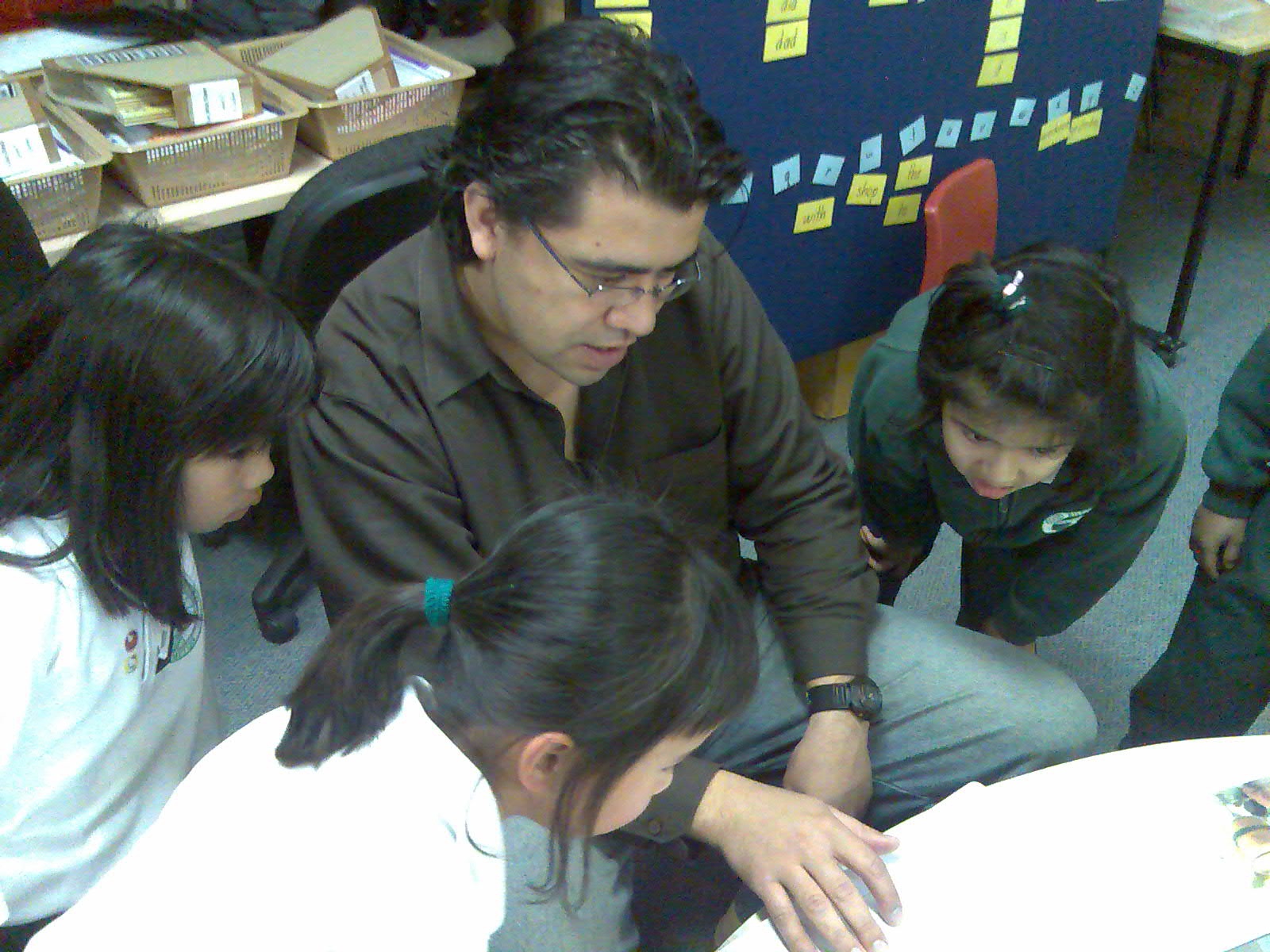
    Language learning is the most critical component of young students learning experiences. Jamie, Co-ordinator of the Literacy and Web 2.0 project, teaches Year 1, and decided to bring Writing Procedures to life!

    Jamie

    Enter ‘cooking’ and loads of fruit, bread, juice, butter, cinnamon and more! Yikes – so much preparation, and all essential for embedding good understanding of writing procedures.

    So today’s work was about using technology tools to enhance literacy learning, and was the culmination of a very busy week. Jamie showed them the steps, carefully engaging the students, so they understood the steps. Then each child was able to navigate the computer, and do their own sequencing and recording. Photos, narration and publishing made Year 1 very happy little people – and this was just their first time!

    All the teachers are sharing their digital resources in a number of different ways – wikispaces, podcasting, and videosharing on Teacher Tube, which allows teachers to create their own groups space, and share videos about the topics that the student is working on. The ongoing blend of Web 2.0 tools are important – and these teachers will continue their exploration of many different Web 2.0 tools.

    The great thing about the project so far is the diversity of tools, both Mac and PC, that are being used for the first time, and in a co-ordinated fashion across the school. While the students are experiencing different learning opportunities – so are the teachers! Just you keep ‘packing a punch’ Jamie as you keep working with your fabulous team 🙂